






®
Social/Product communities

Your product, explained by its users.

Your customers, partners and solution engineers explain your product on video, in one community on your domain.

Built for product marketing, customer education, solutions and developer relations teams at software companies

Watch the film1:08
The problem

Explanations, scattered.

Changelogs are text, the best walkthroughs sit in call recordings, and customers post on platforms you don't own.

What changes
  • A channel for everyone. Customers, partners and engineers upload, and you approve.
  • Every release, on video. A short video for each changelog entry, then the walkthrough.
  • Inbound that compounds. Every video is a page found in search and AI answers.
  • Outbound that lands. Send the walkthrough that answers the question, and see what happened next.
Social for product communities, the film
What it looks like

A channel each.

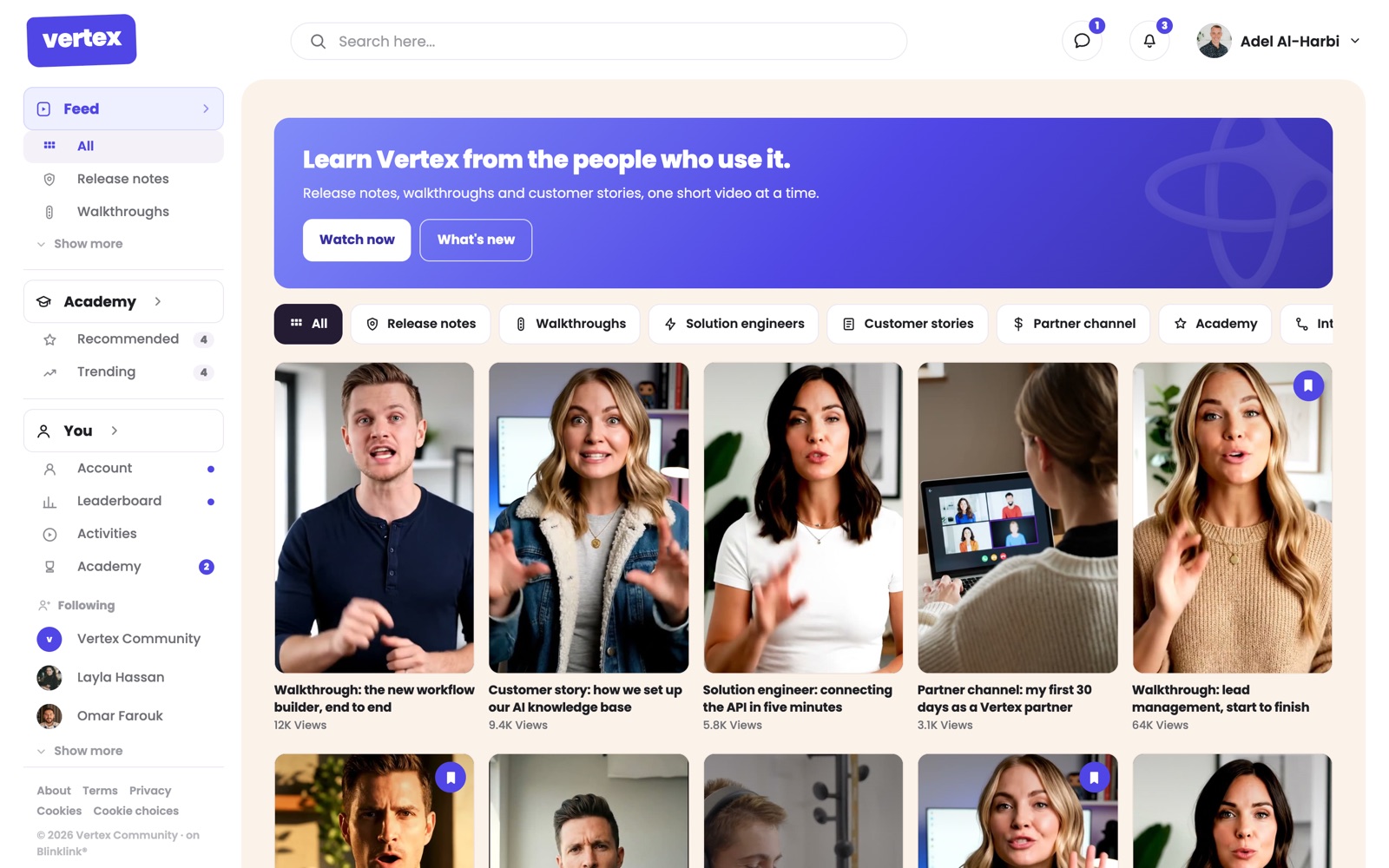
community.vertex.io
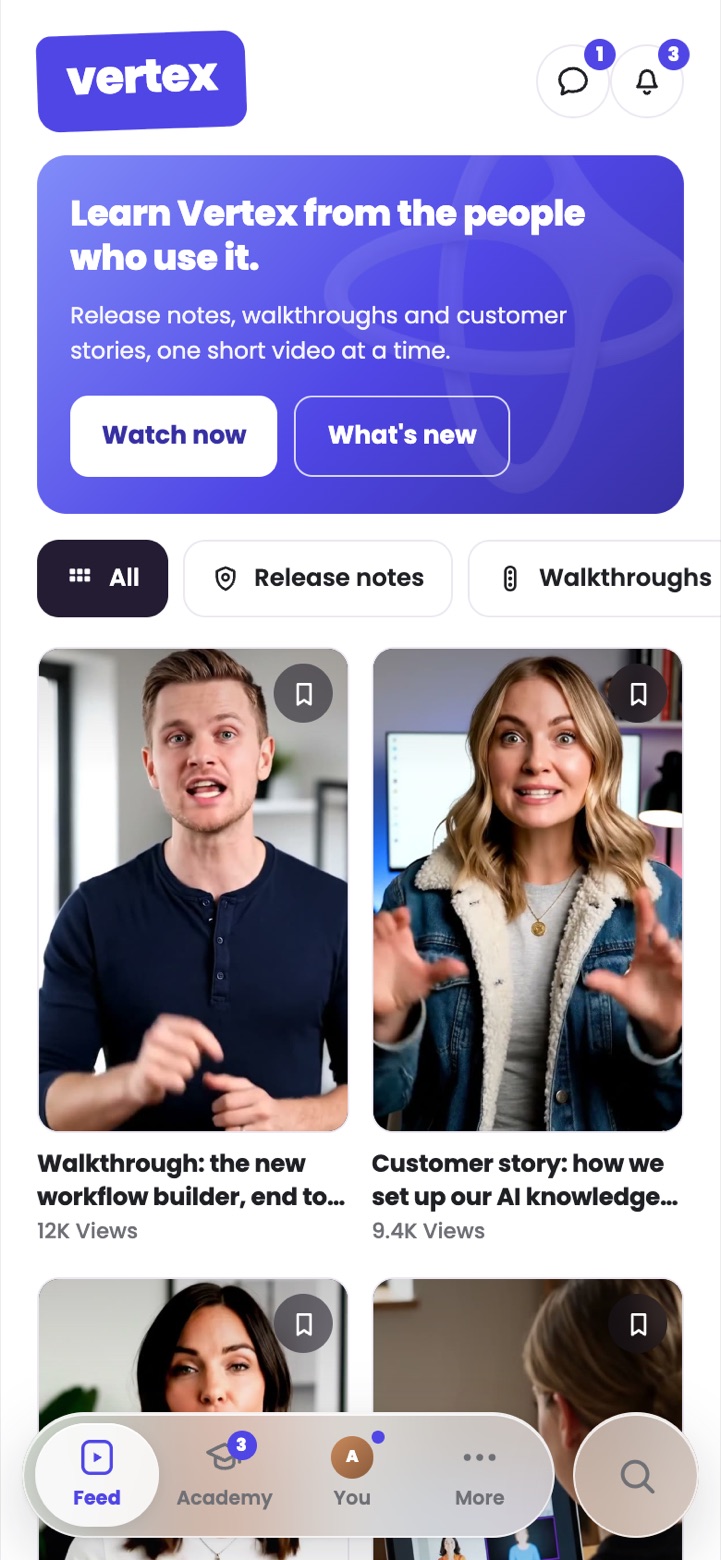
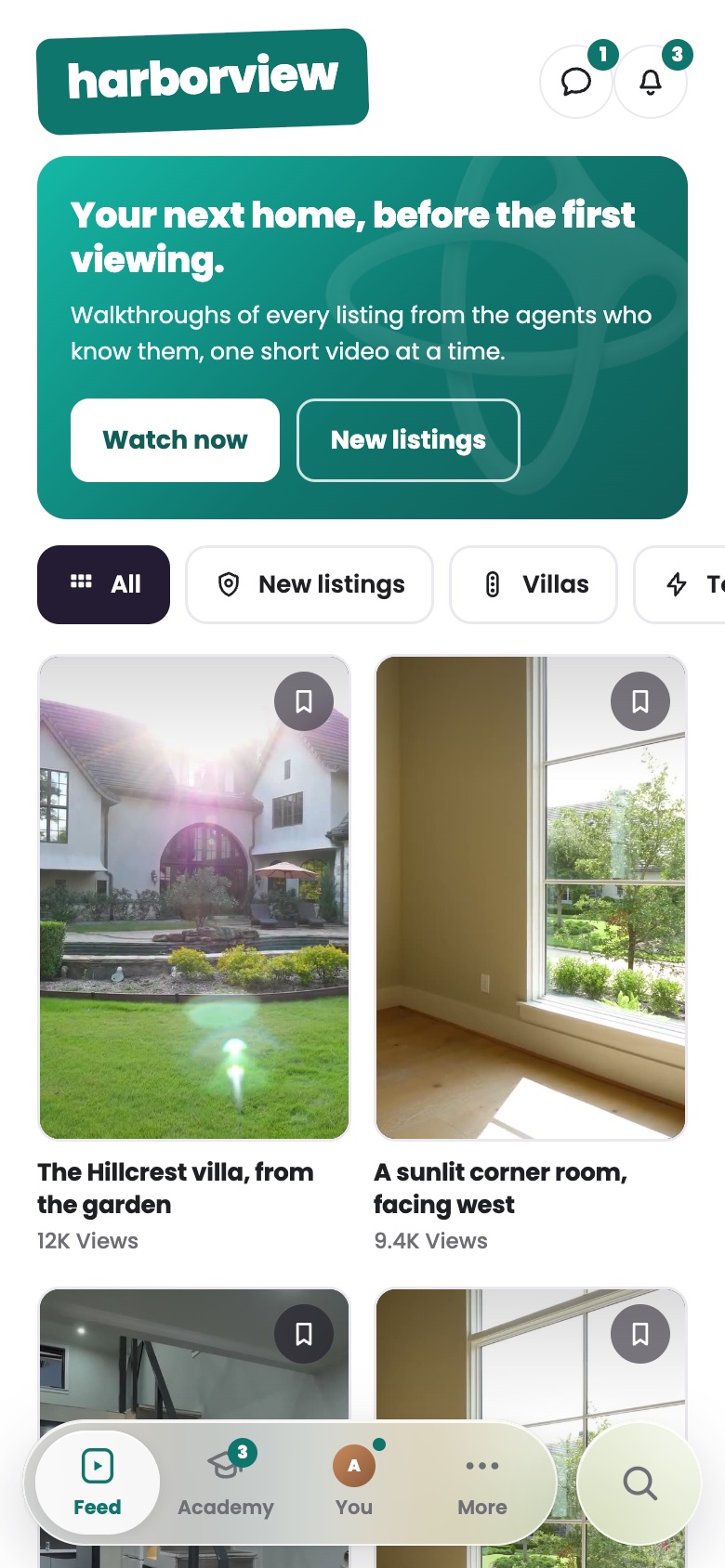
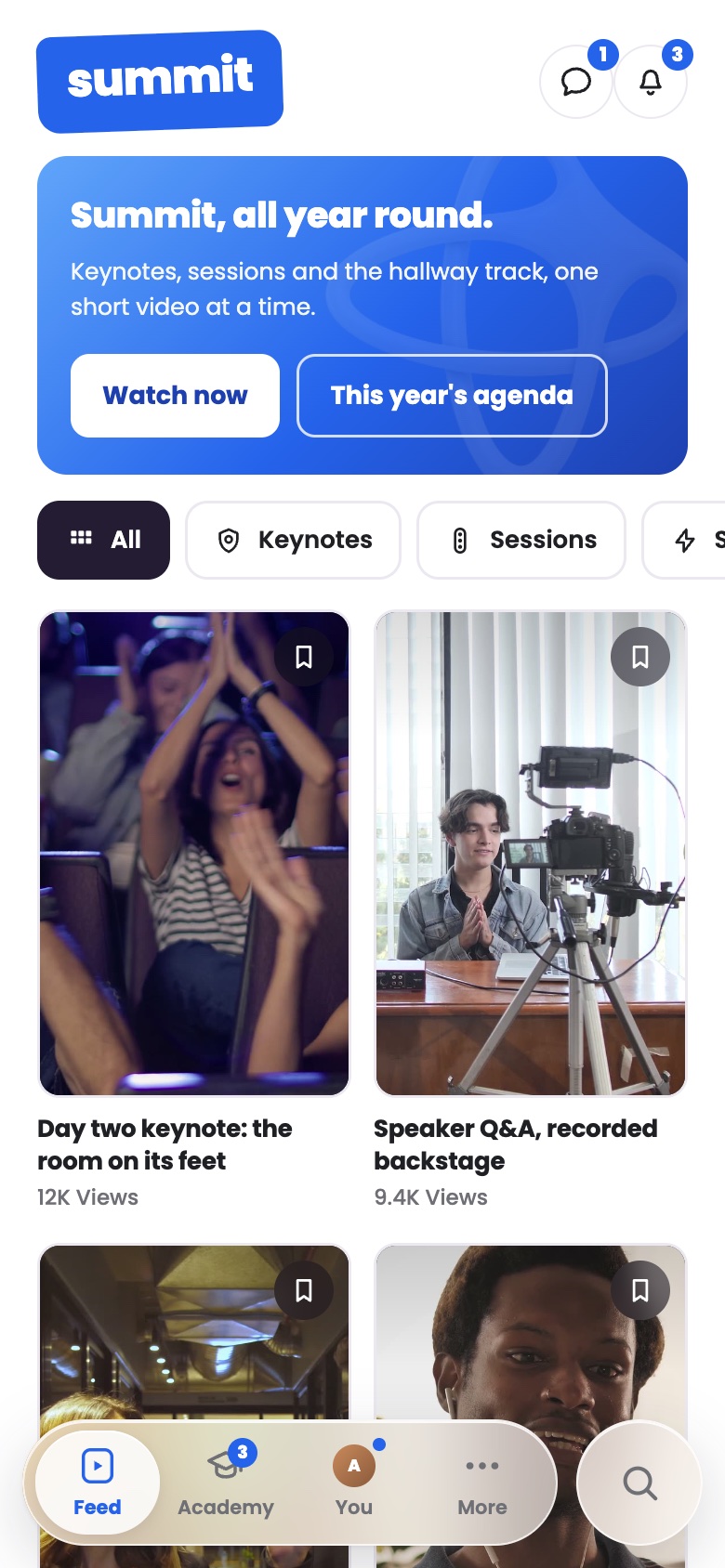
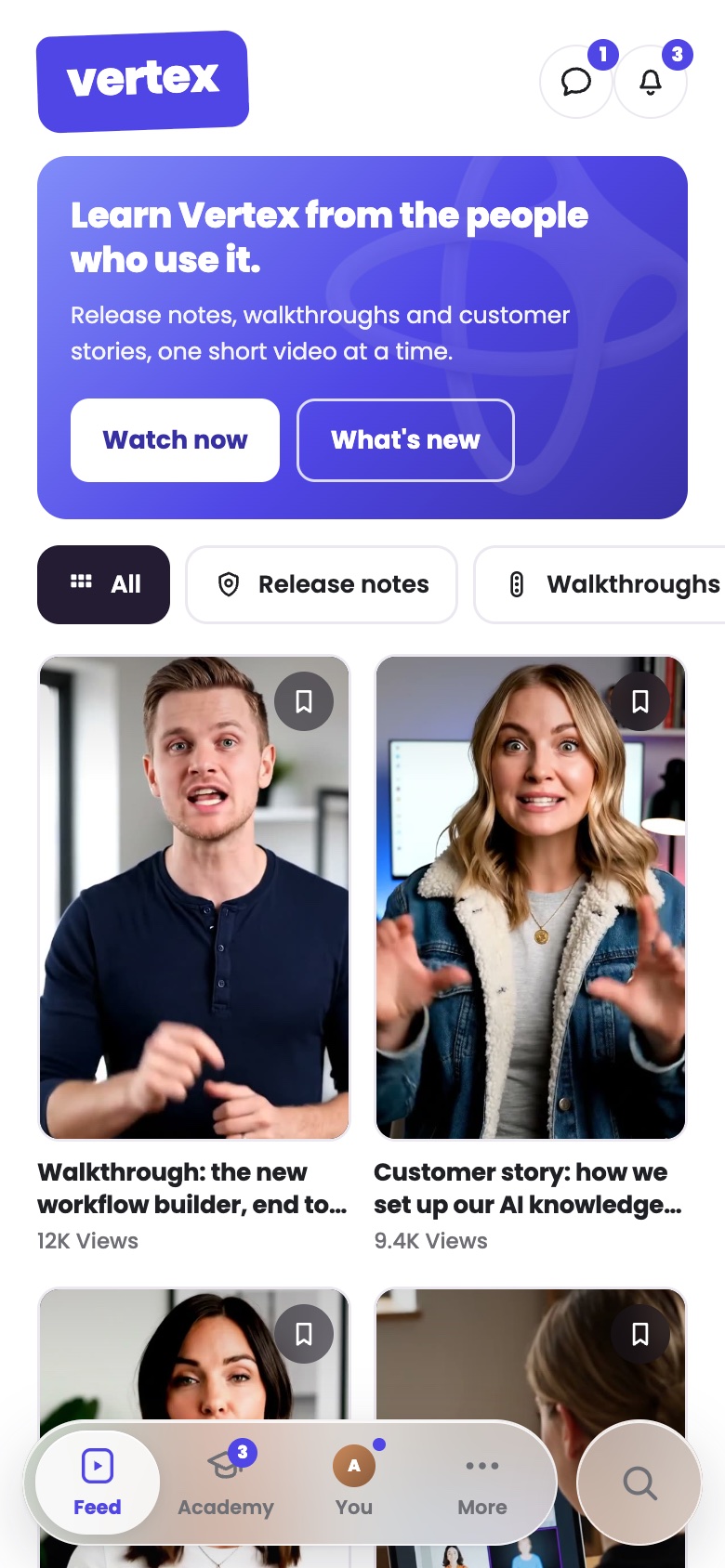
Vertex Community with channels for release notes, walkthroughs, solution engineers, customer stories and partners
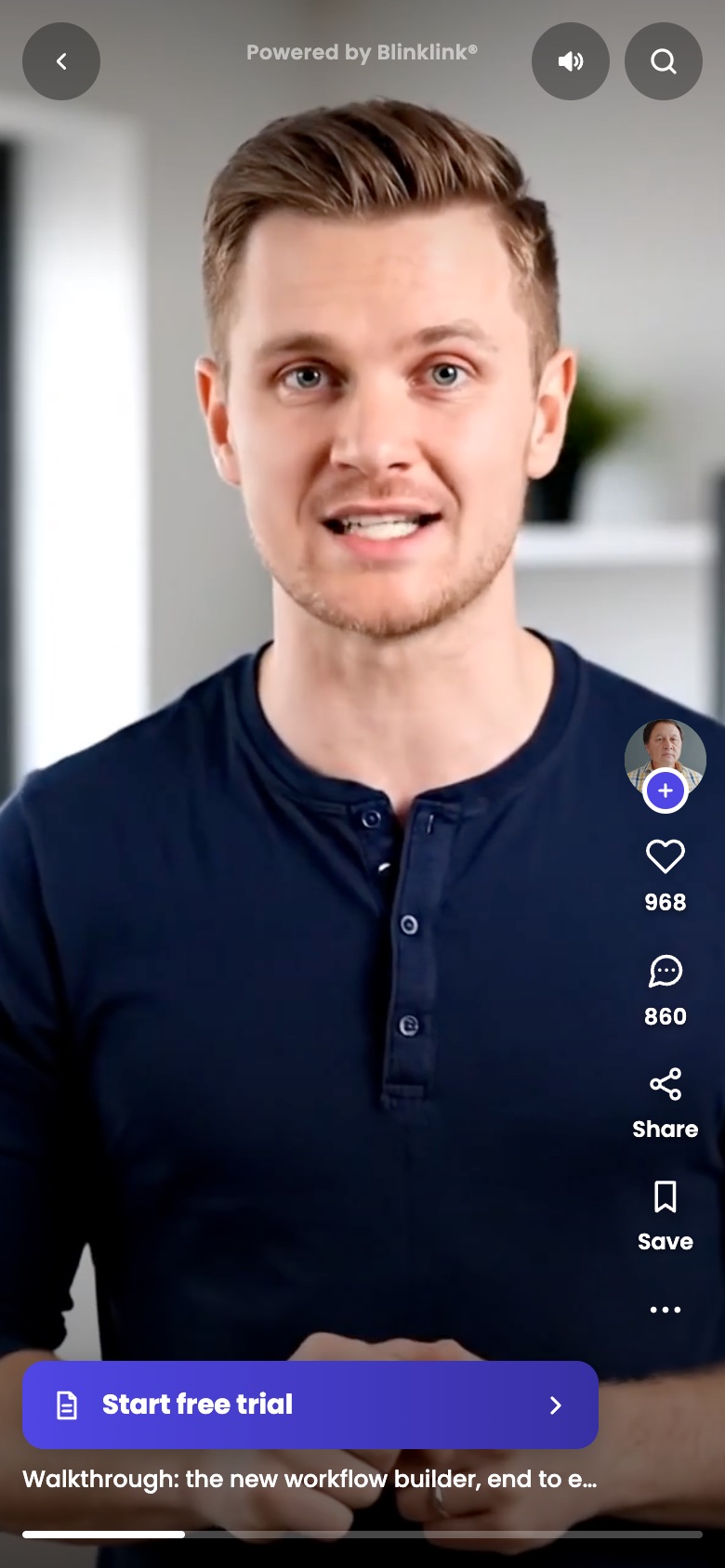
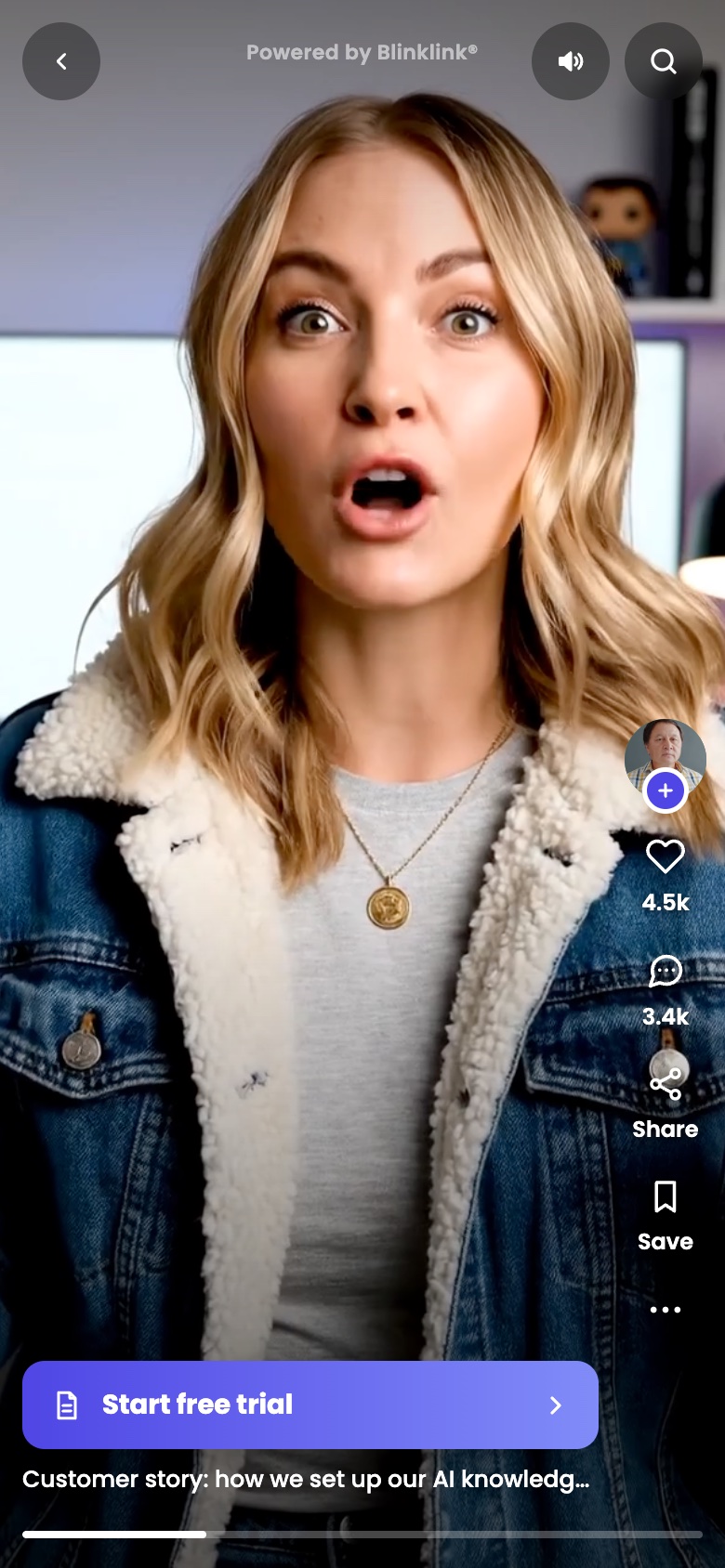
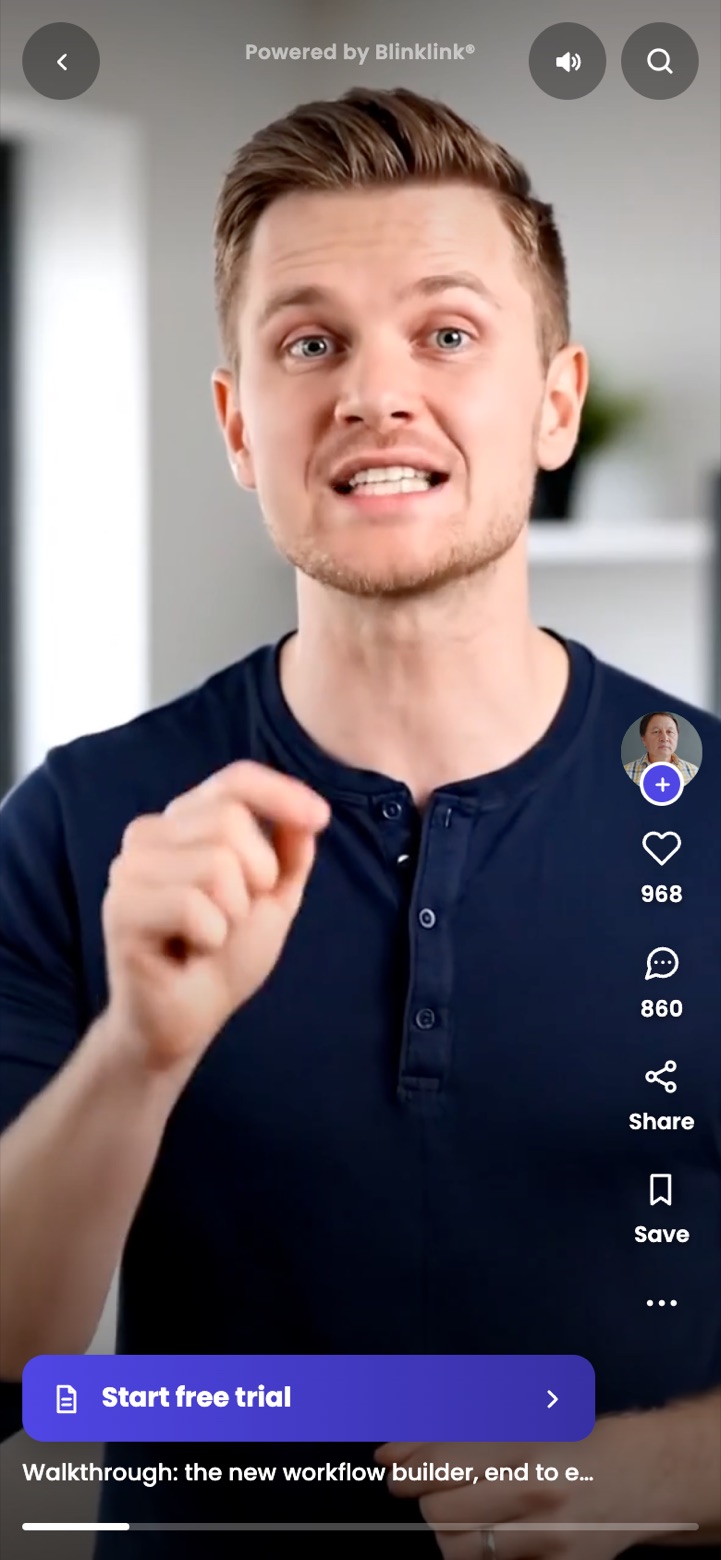
A Vertex walkthrough playing on a phone with one call to action, Start free trial

Vertex Community on its own domain, and a walkthrough on the phone with its one call to action.

How you go live

Four steps.

Features

What you get.

Publish

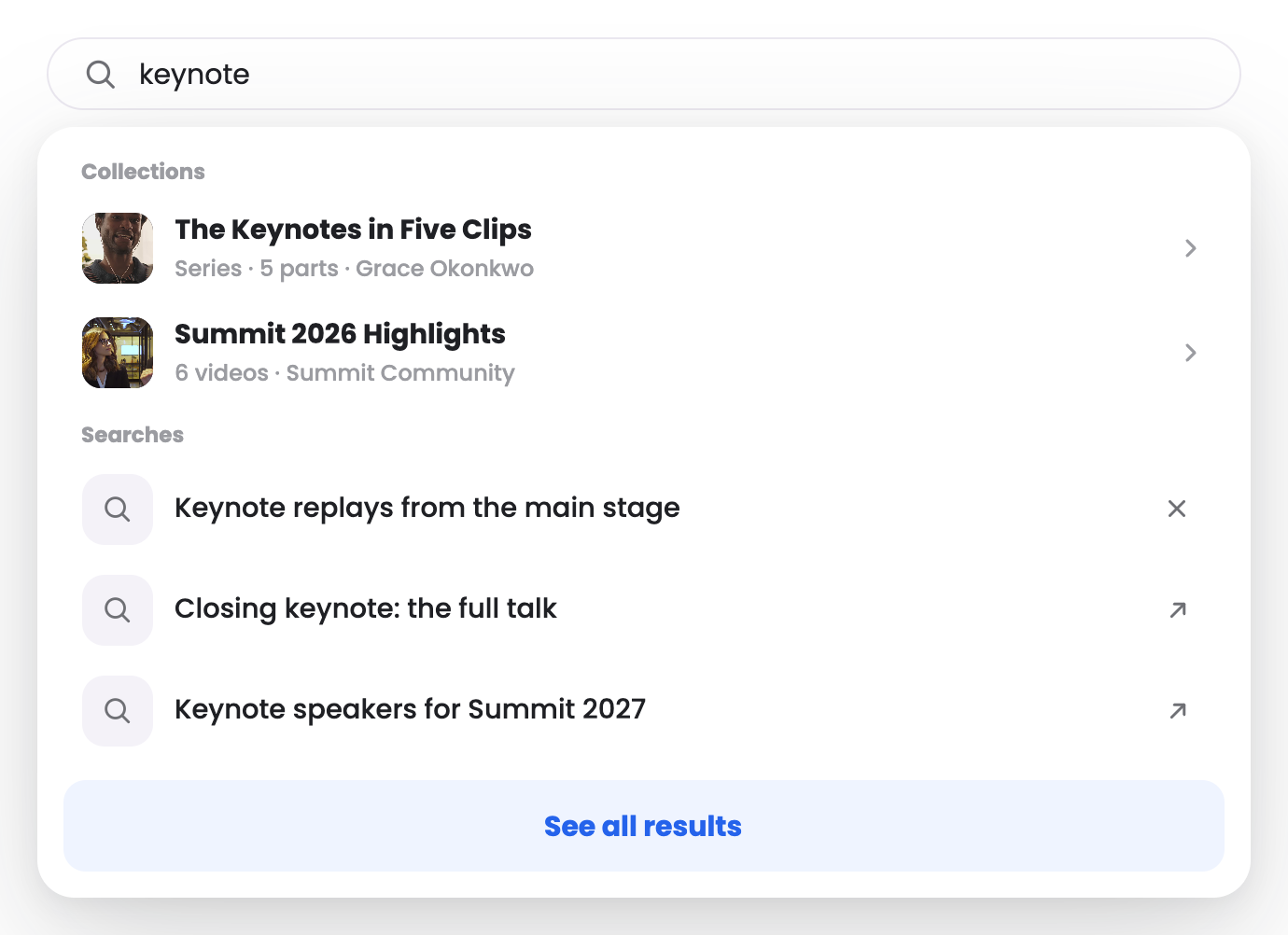
Every video is its own page, with AI-written titles, so search and AI answers find it.
Convert

One next step per video, such as Start free trial.

Creators

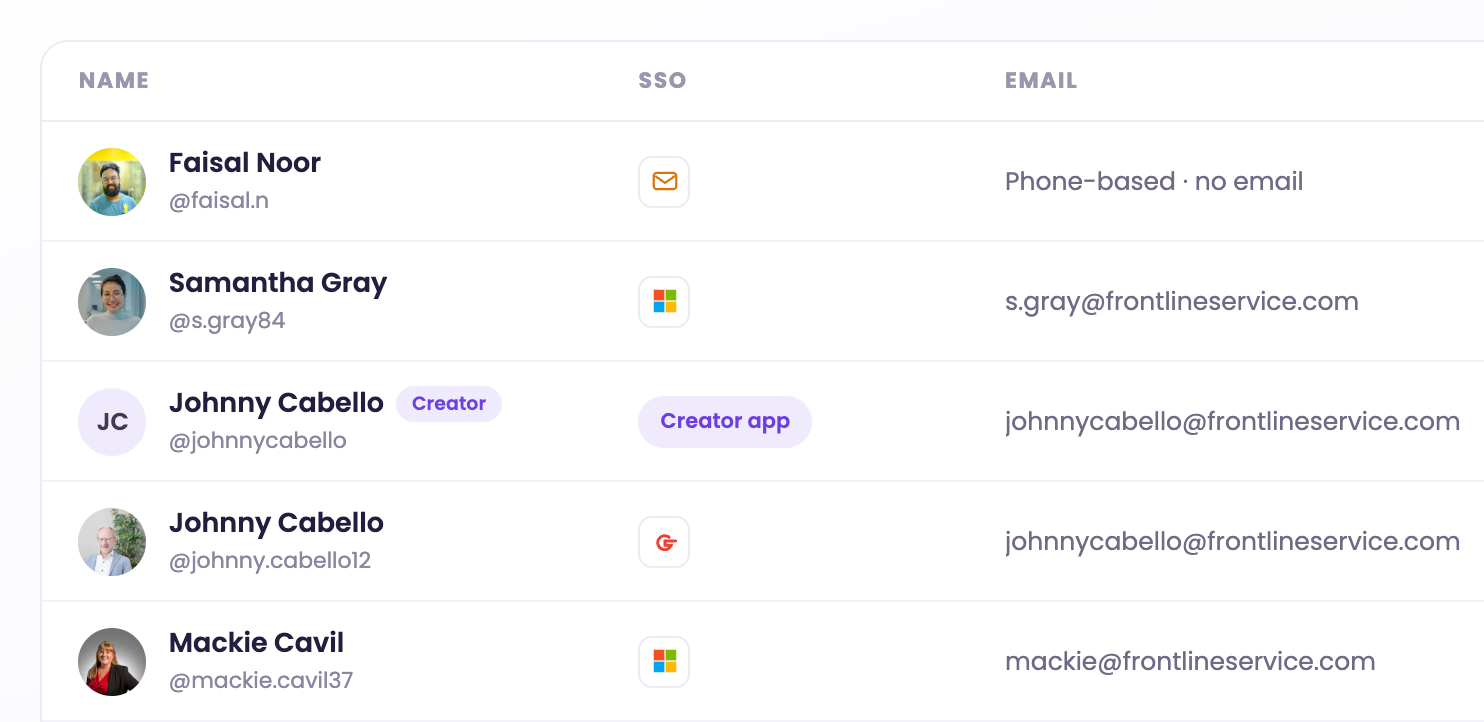
Invite creators and members to upload into their own channels.

Sign-in

Google, Apple, LinkedIn or your own identity provider.

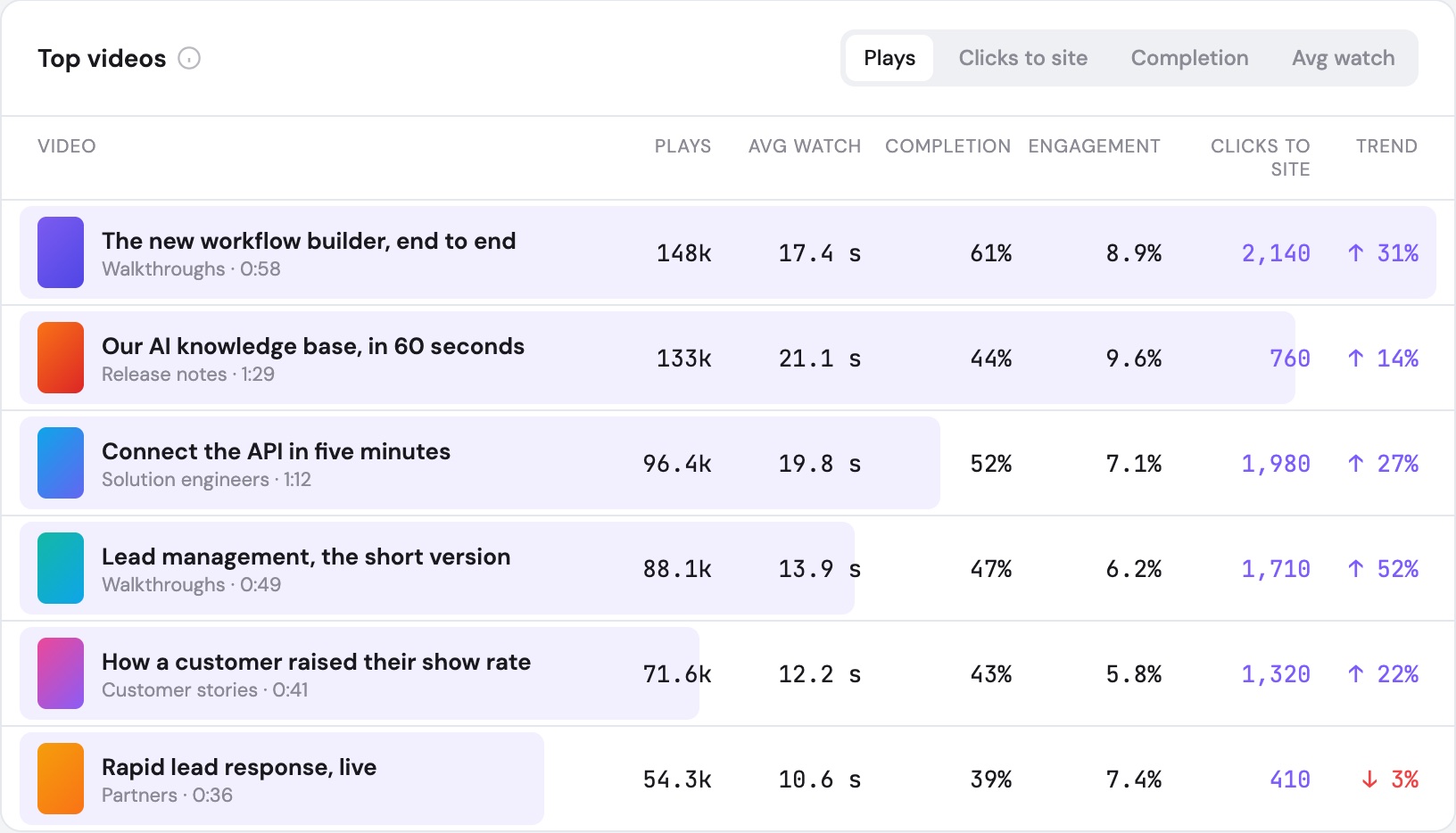
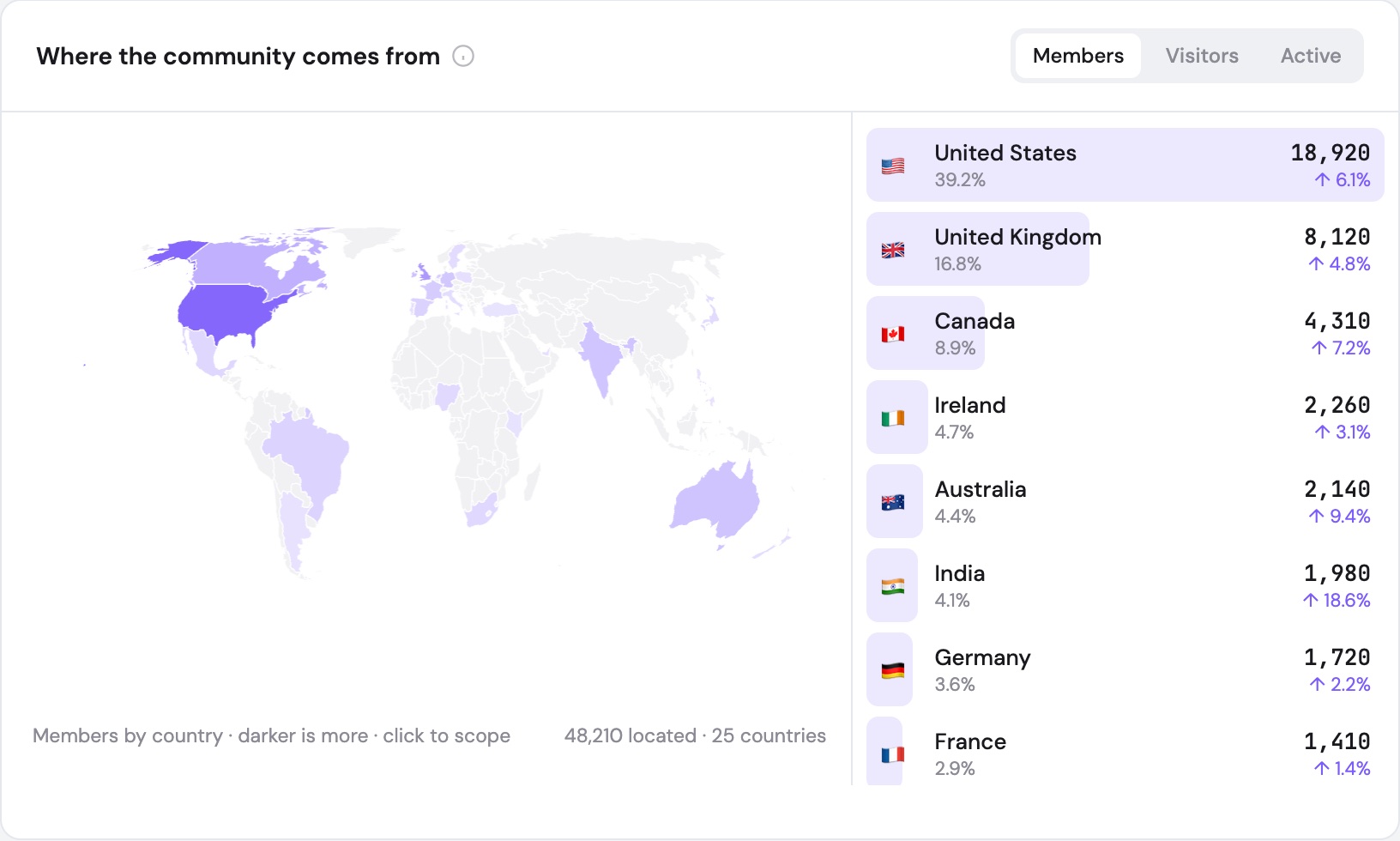
Analytics

See what works.

What you will see

  • Top walkthroughs
  • Clicks to Start free trial
  • Watch time
  • Where viewers come from

Set up for your use case and walked through on a call.

See your dashboard
Questions

Questions buyers ask.

Who can upload?

Your own team, plus the customers, partners and solution engineers you invite. Each has their own channel, and every upload passes your approval before it goes live.

Can we use the videos in sales outreach?

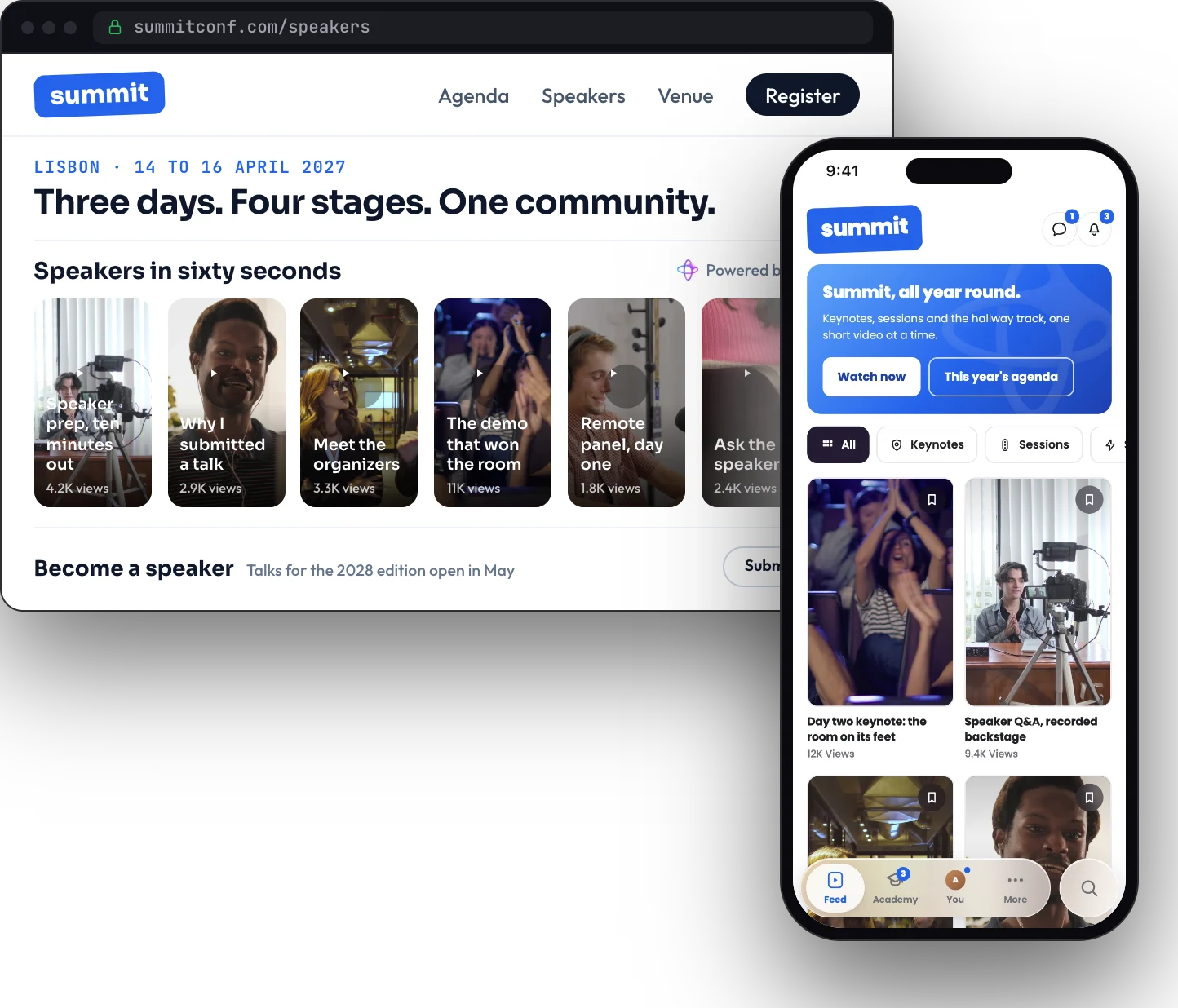
Yes. Share any video or channel by link, or embed a feed on a landing page, in a proposal or in your partner portal. Every video carries one call to action, and every view is tied to what happened next.

How does this work with our changelog?

Publish the release as a short video on your site, then add a walkthrough from the solution engineer who built it. Both live in your community and can be embedded on the changelog page itself.

Will it help people find us?

Each video is a server-rendered page on your own domain, with sitemaps that update as you publish, so search engines and AI answer engines can find it.

Can it live inside our product?

Yes. Embed a feed in your app, docs or help center, or run the Blinklink Mobile SDK inside your own mobile app.